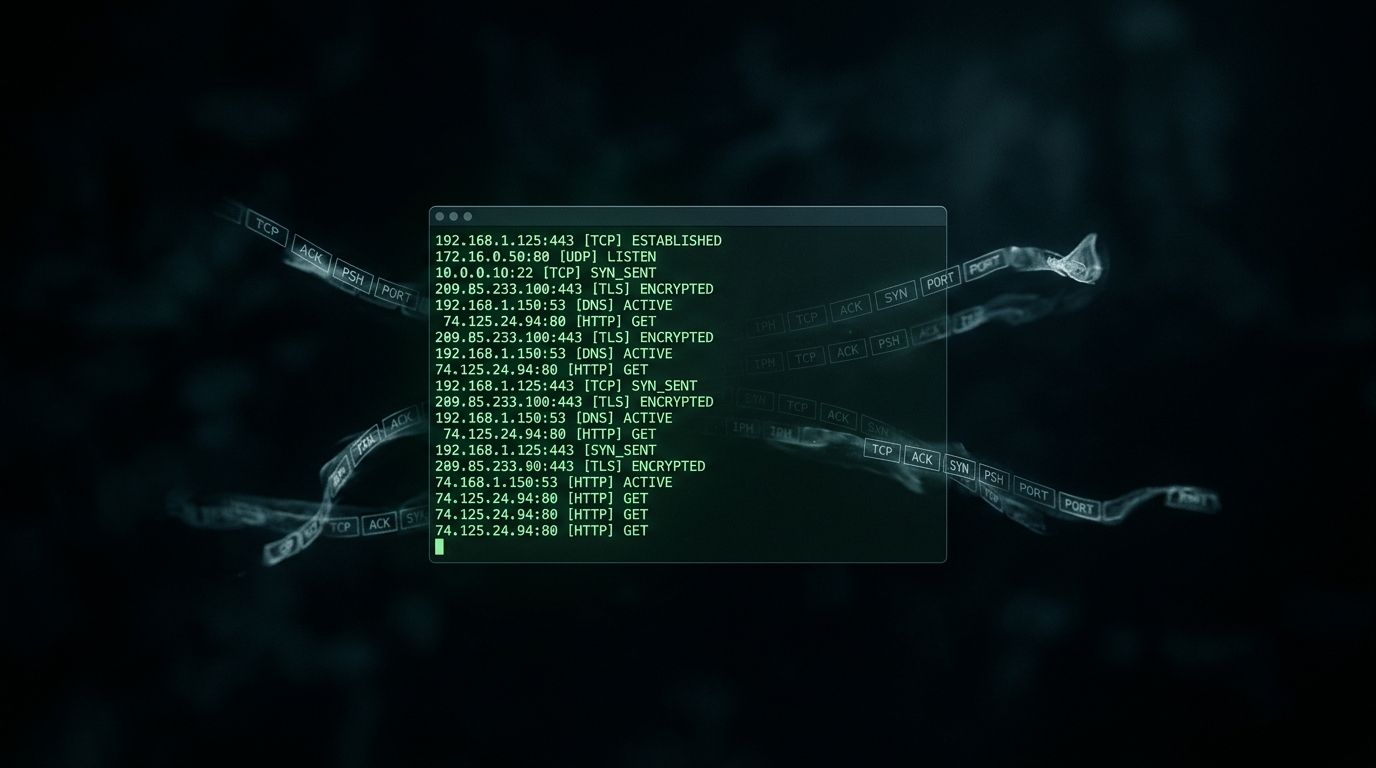

Codex in Action: Network Sniffing Example
OpenAI’s Codex CLI has been generating buzz as an AI-powered coding assistant that runs directly in your terminal. But how does it handle security tooling? I put it through a practical test: building a network packet sniffer from scratch.
The Setup
Codex operates as a terminal agent that can read, write, and execute code based on natural language prompts. For this test, I used the full-auto mode with network access disabled (sandbox mode) to see how it approaches security-adjacent tasks.
The prompt was straightforward:
Build a Python packet sniffer that captures TCP packets
on the local interface and displays source/destination
IPs with port numbers.
What Codex Generated
Within seconds, Codex produced a working sniffer using Scapy:
from scapy.all import sniff, TCP, IP

def packet_callback(packet):
    if packet.haslayer(TCP) and packet.haslayer(IP):
        src_ip = packet[IP].src
        dst_ip = packet[IP].dst
        src_port = packet[TCP].sport
        dst_port = packet[TCP].dport
        flags = packet[TCP].flags

        print(f"{src_ip}:{src_port} -> {dst_ip}:{dst_port} [{flags}]")

if __name__ == "__main__":
    print("Starting packet capture (requires root)...")
    sniff(filter="tcp", prn=packet_callback, store=0)
It correctly identified the need for root privileges and included the store=0 parameter to prevent memory bloat during long captures.
Extending the Sniffer
I pushed further, asking Codex to add HTTP request detection:
from scapy.all import sniff, TCP, IP, Raw

def extract_http_info(payload):
    lines = payload.split(b'\r\n')
    if lines and lines[0].startswith((b'GET', b'POST', b'PUT', b'DELETE')):
        request_line = lines[0].decode('utf-8', errors='ignore')
        host = next((l.decode() for l in lines if l.startswith(b'Host:')), 'Unknown')
        return f"{request_line} | {host}"
    return None

def packet_callback(packet):
    if packet.haslayer(Raw) and packet.haslayer(TCP):
        payload = packet[Raw].load
        http_info = extract_http_info(payload)
        if http_info:
            print(f"[HTTP] {packet[IP].src} -> {http_info}")

sniff(filter="tcp port 80", prn=packet_callback, store=0)
Codex handled the byte string parsing correctly and added sensible error handling for malformed packets.
Practical Caveats
Root requirement: The sniffer needs elevated privileges. On Linux, use sudo. On macOS, you may need to grant terminal access in Security preferences.
HTTPS blind spot: Modern traffic is encrypted. This sniffer catches plaintext HTTP but won’t decode TLS. For HTTPS inspection, you’d need mitmproxy or similar.
Performance: Scapy is convenient but slow under heavy load. For production sniffing, consider libpcap bindings or dpkt.
Where Codex Shines
- Rapid prototyping: From prompt to working code in under a minute
- Library awareness: Correctly chose Scapy over raw sockets
- Security consciousness: Noted privilege requirements without being asked
Where It Falls Short
- No architecture discussion: It didn’t explain why Scapy over alternatives
- Missing edge cases: No handling for fragmented packets or malformed headers
- Sandbox friction: The sandboxed mode prevented live testing during generation
Who Should Use This
Codex excels for security researchers who need quick proof-of-concept tools. If you’re learning packet analysis or need a starting point for CTF challenges, it’s genuinely useful.
For production security tooling, treat Codex output as scaffolding. You’ll still need to audit the code, handle edge cases, and validate assumptions.
Credit Where Due
OpenAI’s Codex team has built something genuinely practical for security professionals who want to move fast without starting from scratch. It won’t replace deep expertise, but as an accelerant for researchers who already know what they’re building - it earns its place in the toolkit.